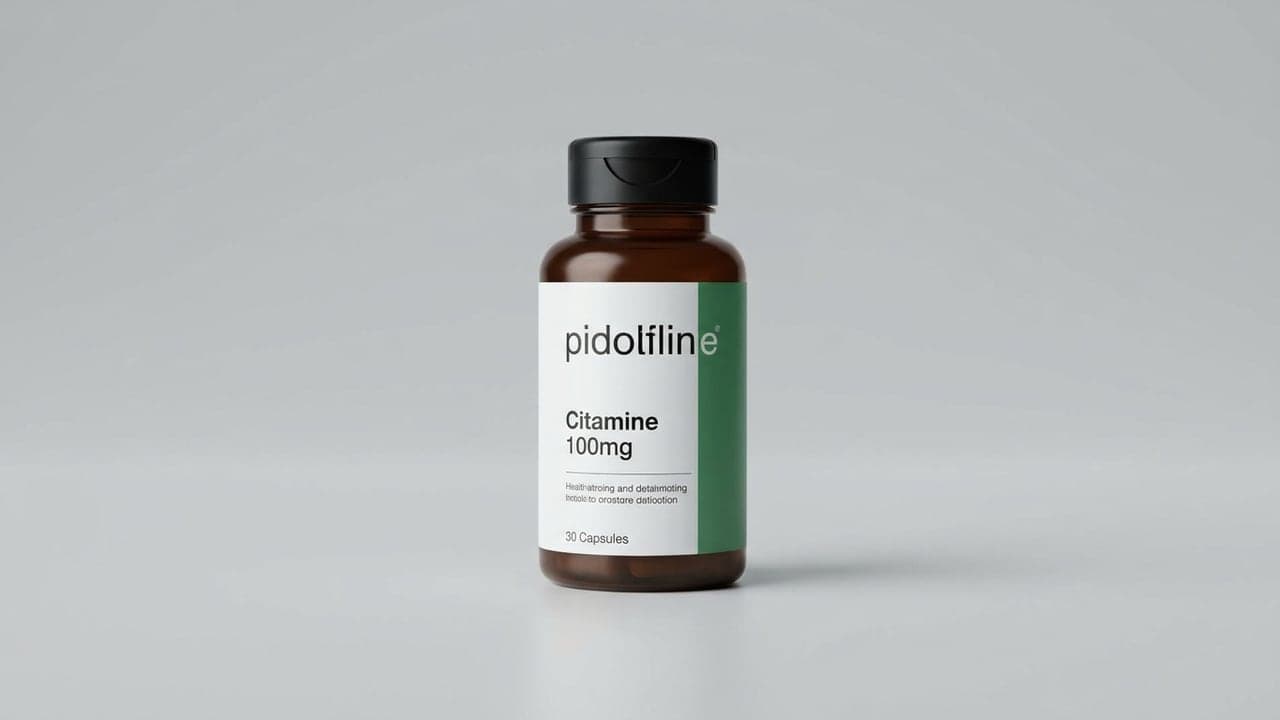
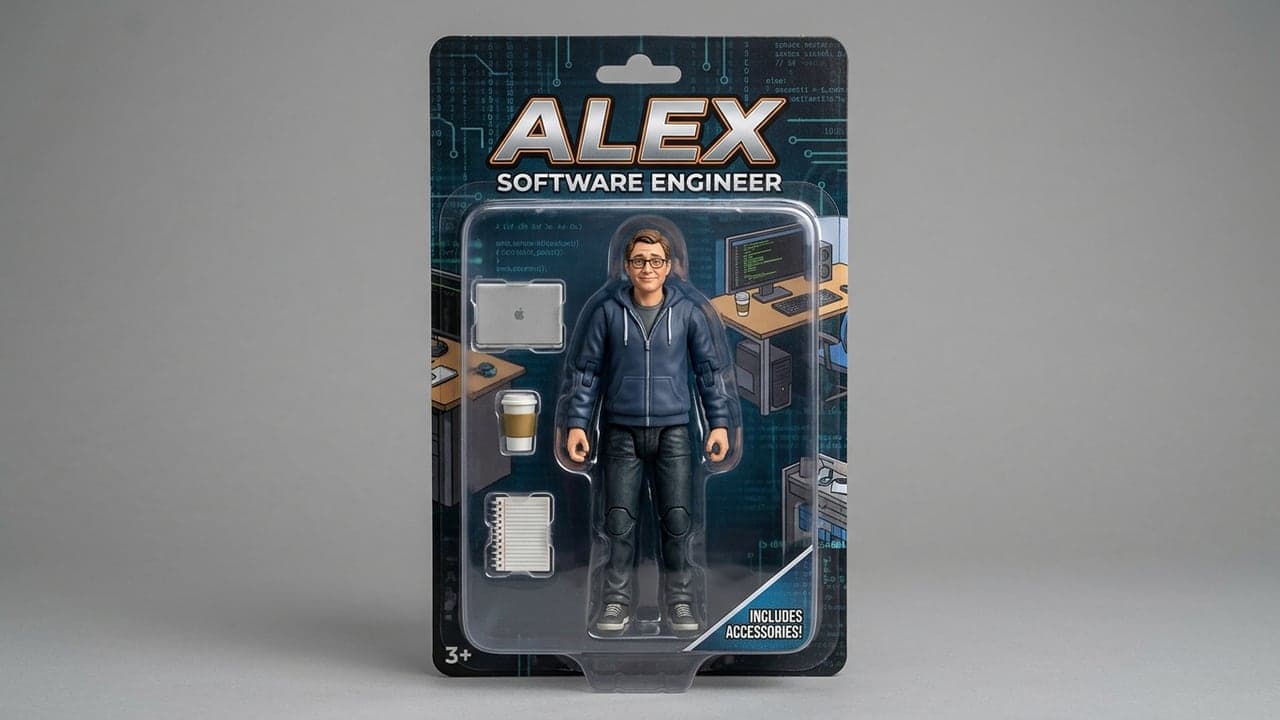
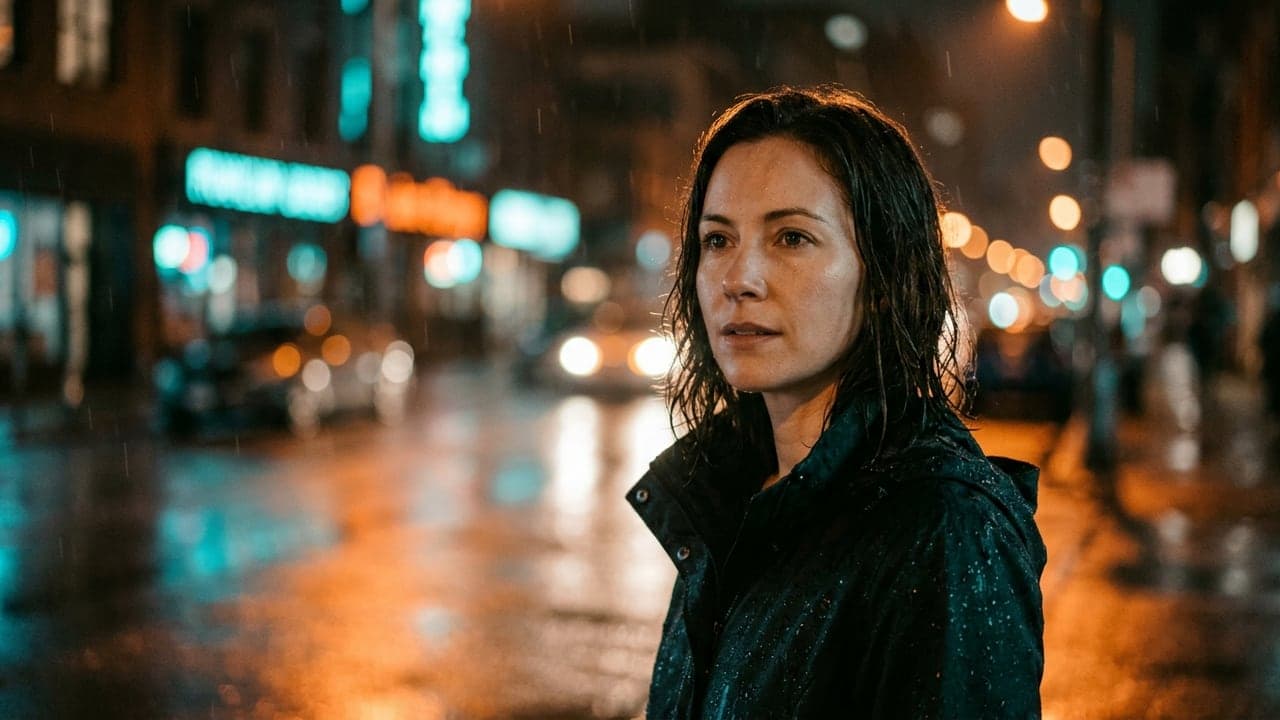
An AI prompt is the text that tells an AI tool what to make. The same tool gives a similar result for the same prompt, so knowing the prompt behind a picture or a video means being able to make it again for your own business.
The prompts in this library were chosen for businesses: product photos, menu pictures, intro videos, a blog outline built to rank on Google, replies to Google reviews. Image and video prompts are in English; the tools work best that way. Each prompt comes with its parameter code (for example --ar 16:9 in Midjourney) and the steps.
Members find the whole library in the panel under "AI prompts".
Frequently asked
- What is an AI prompt?
- The text that tells an AI tool what to make. For image tools you write the subject, light, camera and style; for video tools also the camera move, the length and the sound; for text tools the role, the task, the rules and the output shape. The more concrete the prompt, the more predictable the result.
- Should I write prompts in English?
- For image, video and sound tools, yes: the models were trained on English data and other languages give weaker or wrong results. Text tools such as ChatGPT, Claude and Gemini work well in any major language.
- How do I find the prompt behind a picture or a video?
- First recognize the tool: Midjourney's stylized light, Veo's 8-second clips with sound, ChatGPT's figure-in-a-box pictures are tell-tale. Then find the closest example in this library and change the prompt to your subject. A tool that guesses the prompt from an uploaded picture is coming for SEOLOK members.
- Can I use the pictures these prompts make on my website?
- Most tools allow commercial use on paid plans; free plans may be restricted, so read the tool's terms. Get permission when you use a real person's photo. Adobe Firefly was trained on licensed content only and carries the least risk on a business site.