
Help
Reading the dashboard
What the cards, the health score and the "What happened this week?" section on your dashboard mean, and how to read them.
Steps
- 1
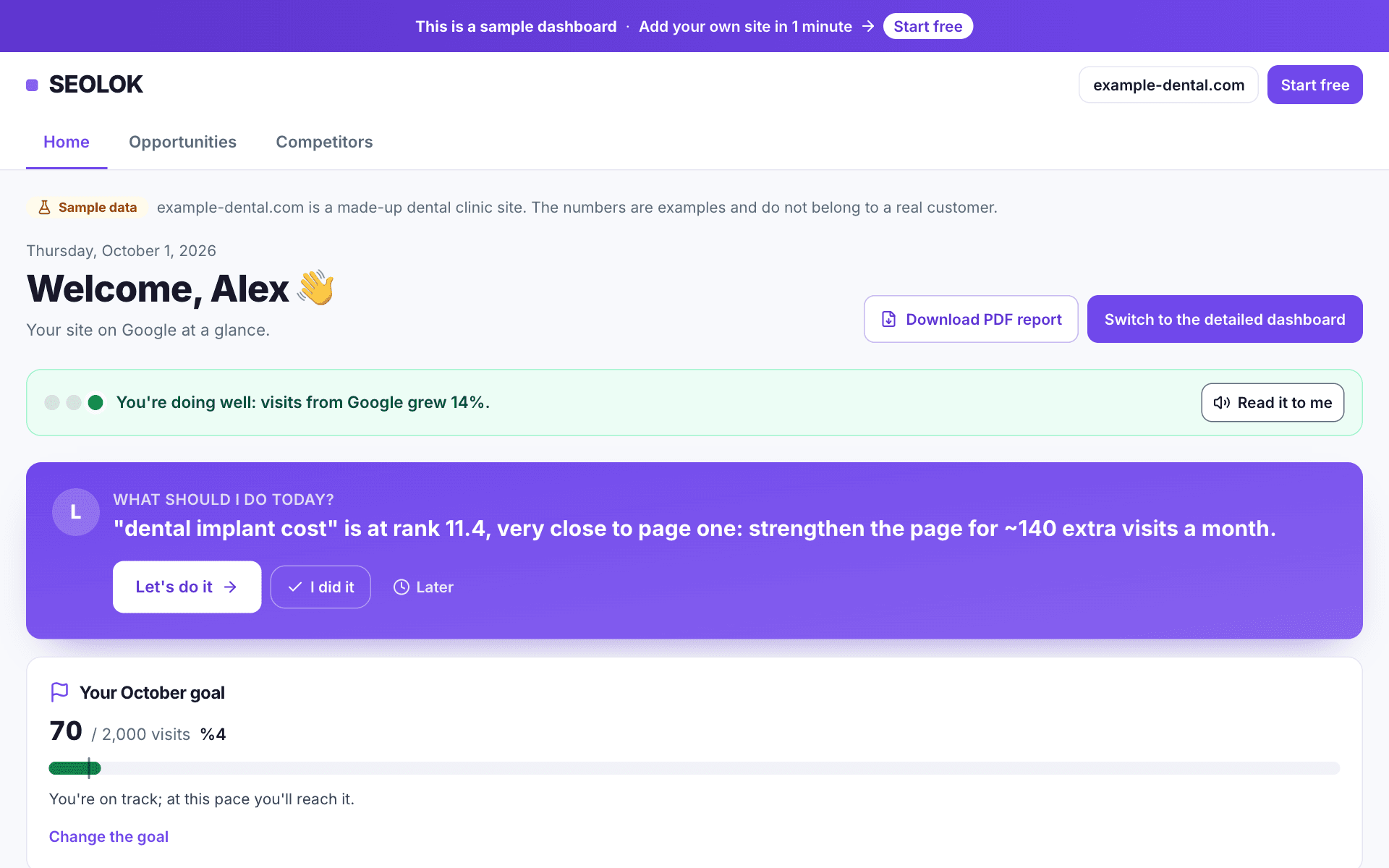
The coloured box at the top sums up in one sentence: green is good, yellow heads-up, red urgent.
- 2
"Visitors from Google" is how many people clicked through to your site from Google search in the last 4 weeks.
- 3
The "health score" rates your site's technical and content state out of 100.
- 4
"What happened this week?" shows rising and falling searches; "What should you do now?" the three most important tasks.
- 5
For charts and tables click "Switch to the detailed dashboard".
Why it matters
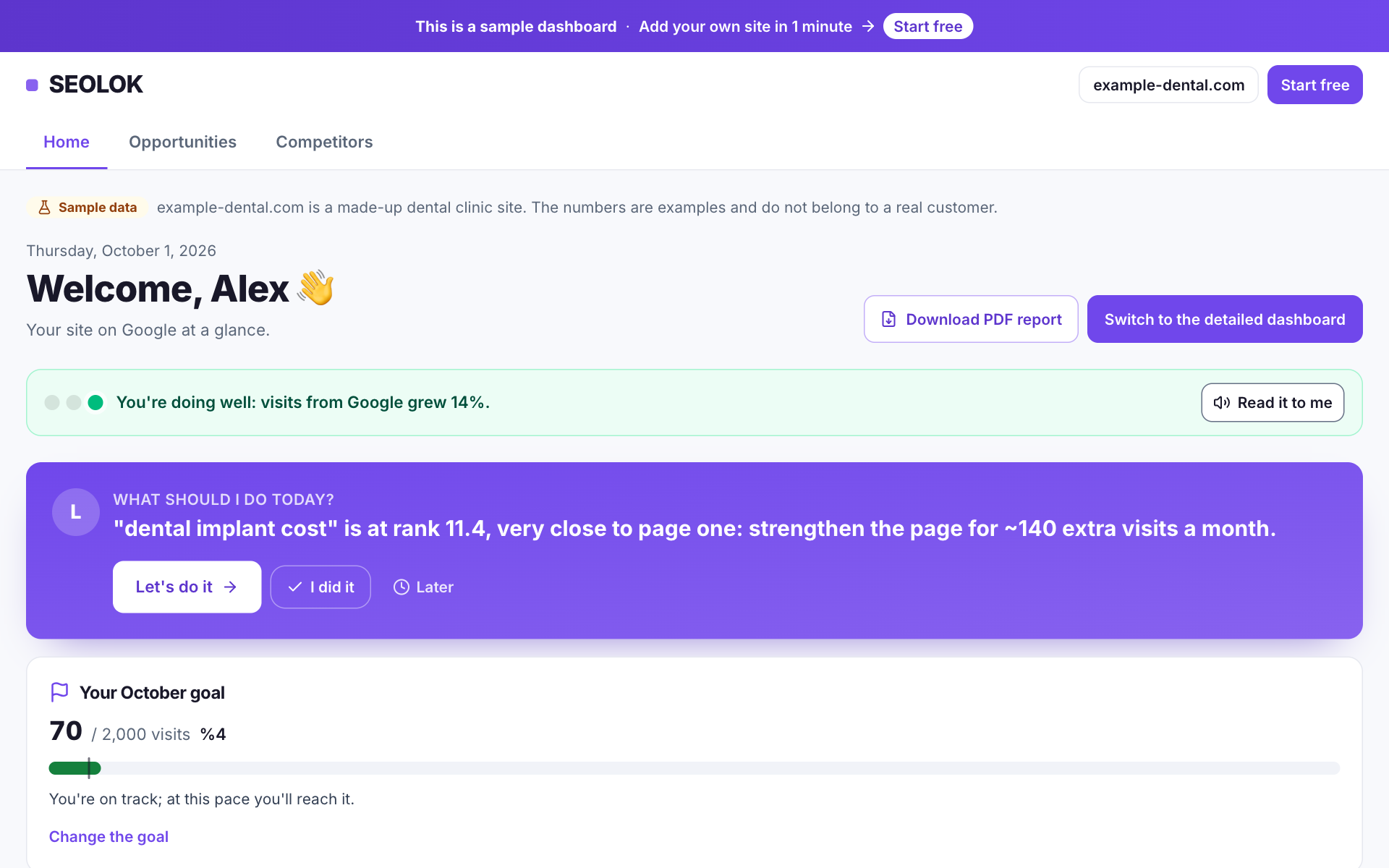
The dashboard is there so you can read your site's state at a glance every day; you do not need to study every chart. The coloured box at the top says whether things are fine, "What happened this week?" shows what rose and fell, and "What should you do now?" lists the most important jobs. Numbers are compared with the previous period of the same length, so you never have to work out "what changed since last month" yourself.
If you get stuck
If the numbers look empty or zero, first check whether Search Console is connected. If it is, remember that Google's data arrives 2 to 3 days late, so a new site needs a few days. When there is not enough data we write what is missing instead of showing a number. If you see "Google access lost", press "Reconnect to Google"; if an import stalls, there is a "Restart the import now" button.
Frequently asked questions
- Why do the numbers not match Google exactly, and why are they 2 days behind?
- Google hands out Search Console data 2 to 3 days late and in a preliminary form first. SEOLOK re-fetches the latest days until they are final, so you see the situation up to a few days ago rather than today. Small differences settle in the following days; the number is not wrong, it is just not complete yet.
- What does "your average position" mean, and is a small number good?
- It is the average position of your site across all the searches where it appeared, so it is not the rank of any single keyword. The smaller the number the better: an 8 means the first page. To see one keyword, look at the Keywords page or use the rank finder.
- What is the health score based on, and how do I raise it?
- The score out of 100 reflects the technical and content problems found when your site is crawled. "See details" lists which page is missing what. When you fix a problem it shows up in the score after the next crawl; if you do not want to wait, use "Scan again" on the site health page.
- How are rising and falling keywords decided?
- The latest period is compared with the previous period of the same length. Only searches with enough impressions in both periods count, because with few impressions the position jumps around. A move of a few places is normal fluctuation; pay attention to drops that last several days.
Read next
- Getting started: add your siteSign in with Google and type your site address; we find your keywords and measure your Google position.
- Applying suggestionsHow to apply the tasks in "What should you do now?": importance order, ready-made text, one-click WordPress apply and the effect on rankings.
- AlertsWe tell you when your site is down, SSL is about to expire, or keywords/traffic drop.
- Connecting Google Analytics 4See all your visitors (Google, social, direct) and conversions on the dashboard.
Still stuck? Contact us