
Help
Getting started: add your site
Sign in with Google and type your site address; we find your keywords and measure your Google position.
Steps
- 1
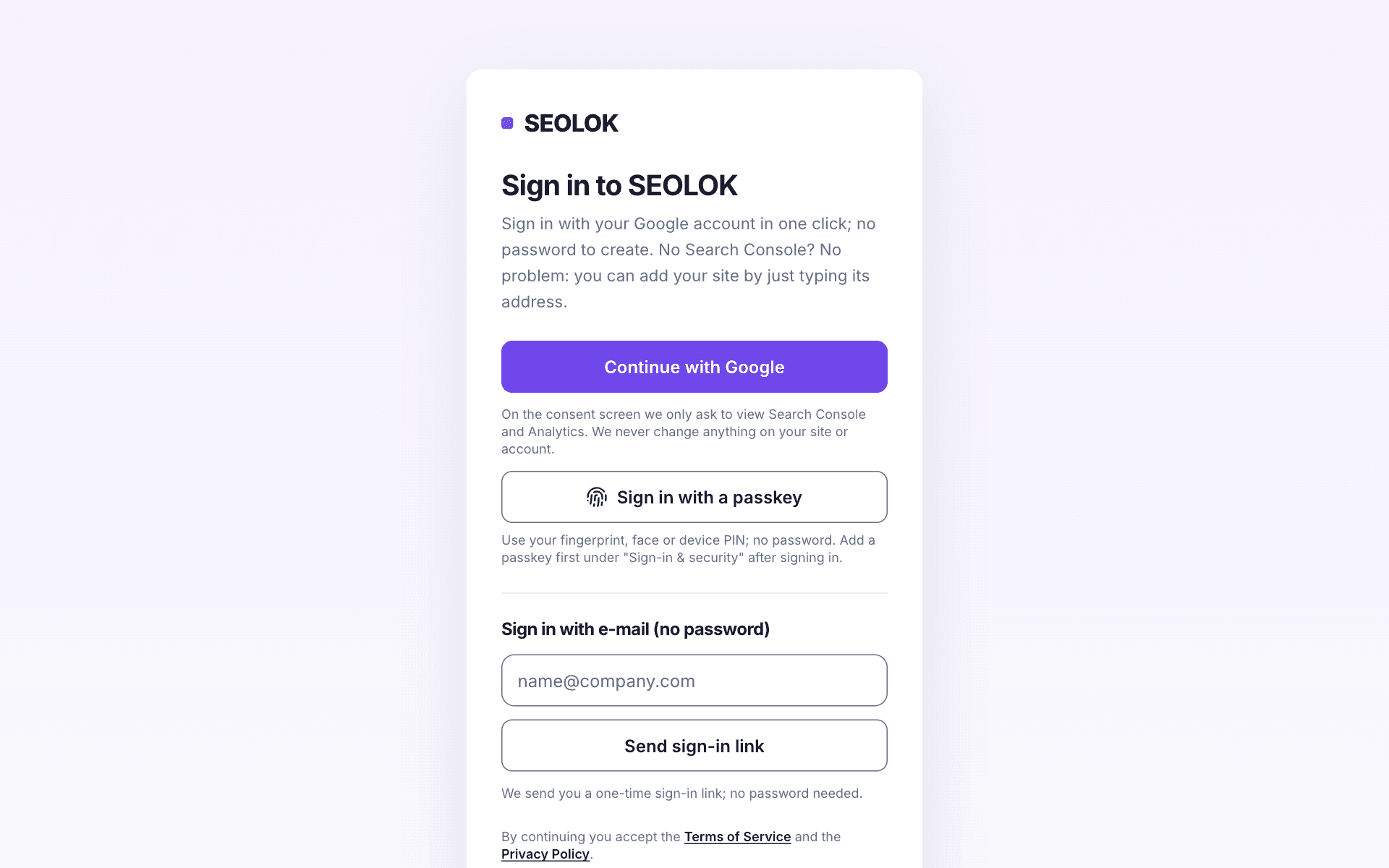
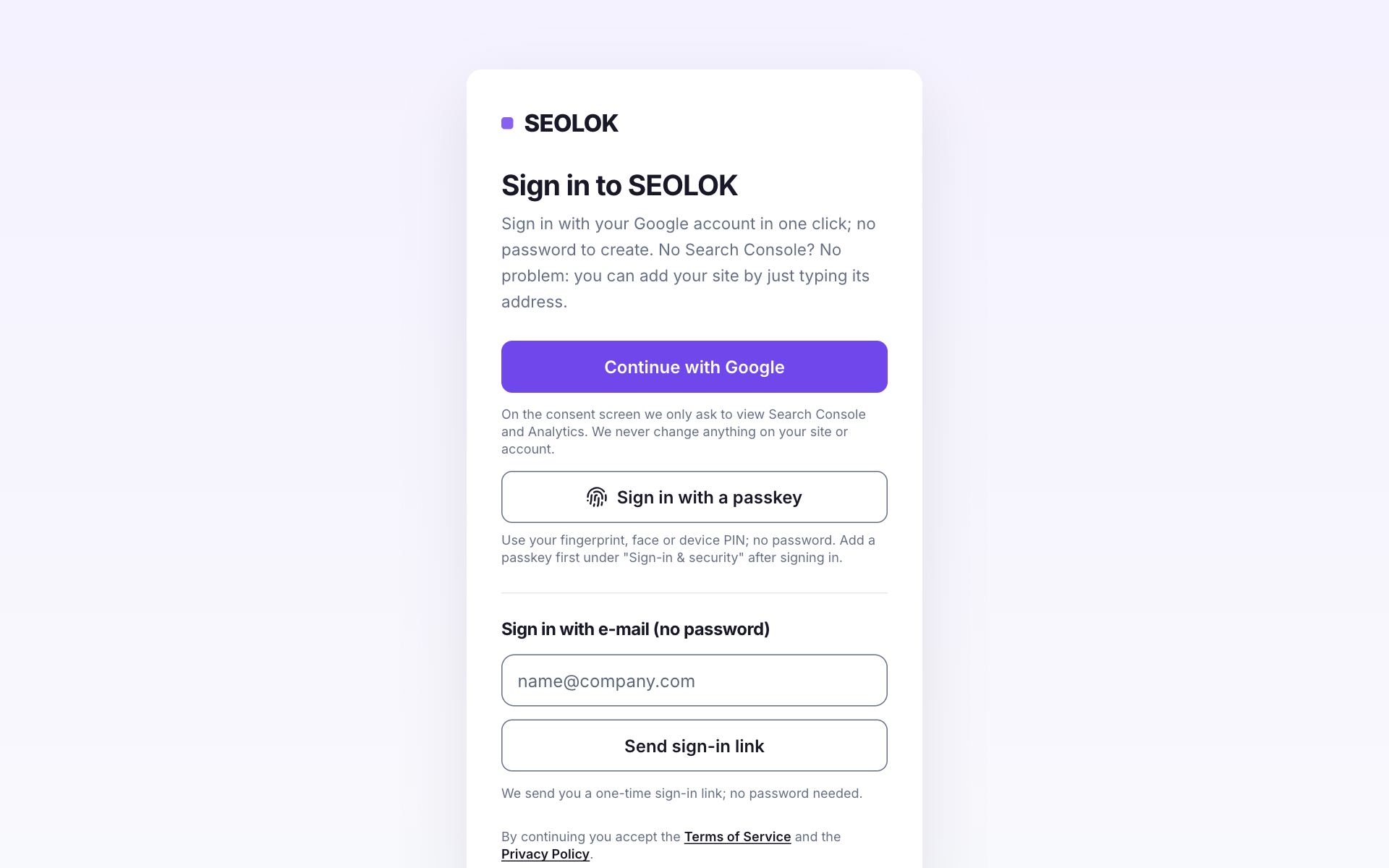
Press "Start free" on seolok.com and sign in with your Google account (no password needed).
- 2
In the dashboard type your site address (e.g. yoursite.com) in the "Type your site address" box and press "Start".
- 3
We find your main keyword and suggestions from your homepage headings; the main keyword's Google position appears within minutes.
- 4
Add your own keywords on the Keywords page if you like; tracked ones are measured daily and you get an alert when they drop.
- 5
For more data connect Google Search Console: clicks, impressions and 16 months of history come in too.
Tip: Not in Search Console? No problem, start with the address. To connect later, the "Add your site to Search Console" guide takes 5 minutes.
Why it matters
Adding your site is where everything else in SEOLOK begins. From the moment you type the address you can see where you rank on Google for a keyword, and you get an e-mail when those keywords slip. Once you connect Search Console, Google's own click and impression numbers replace our estimates, and the "do this today" list works from that data. You can start on the Free plan, and setup takes a few minutes.
If you get stuck
If the site will not add, check the address: type just the domain (e.g. yoursite.com). If you cannot see your site in Search Console, make sure the Google account you signed in with has access to that property; either a "Domain" or a "URL prefix" property works. Numbers build up 2 to 3 days late, so a brand-new site looks empty at first. If the main rank has not appeared after a few minutes, refresh.
Frequently asked questions
- Can I use SEOLOK without connecting Search Console?
- Yes. An address alone is enough to start: the main keyword's rank, the rank finder, keyword tracking and the site crawl all work. Clicks, impressions and 16 months of history only arrive once Search Console is connected. Suggestions such as removing or redirecting a page also wait until there are at least 90 days of data.
- Which Google account should I sign in with?
- The one that manages your site in Search Console. If you have several accounts, pick the one that owns the property or has access to it. If the property sits in another account, sign in with that one or give this account access. Sign-in is passwordless, and SEOLOK only asks for read access; it never changes your site.
- How do you find my keywords, and what if they are wrong?
- We pick your main keyword and a few suggestions from your homepage headings. That is an estimate and will not always be right. You can add and manage your own keywords on the Keywords page. On the Free plan 10 keywords are checked weekly; on paid plans they are checked daily.
- How many sites can I add?
- The Free plan includes 1 site; paid plans raise the limit to 3, 10 or 30 sites. The current limits are listed on the pricing page. If you manage several clients, add each site separately and follow them together in the All sites view on the dashboard.
Read next
- Add your site to Search Console (step by step)If your site isn't in Search Console yet, add and verify it in 5 minutes, then connect it to SEOLOK in one click.
- Reading the dashboardWhat the cards, the health score and the "What happened this week?" section on your dashboard mean, and how to read them.
- Rank finder and keyword trackingSee where you rank on Google for a keyword instantly; track important keywords daily.
- Ways to sign in and passkeysSign in without a password: Google, a one-time link sent to your e-mail, or a passkey with your fingerprint, face or device PIN.
Still stuck? Contact us